
Skip to content
Sofyan UX
Articles/Tools & Workflow
~/articles/tools_&_workflow

How a CMS Helps Keep a Portfolio Website Alive

How a CMS Helps Keep a Portfolio Website Alive_

Sofyan Sauri./AUTHOR Sofyan SauriMay 31, 2026[2026-05-31] 2 min read 2m

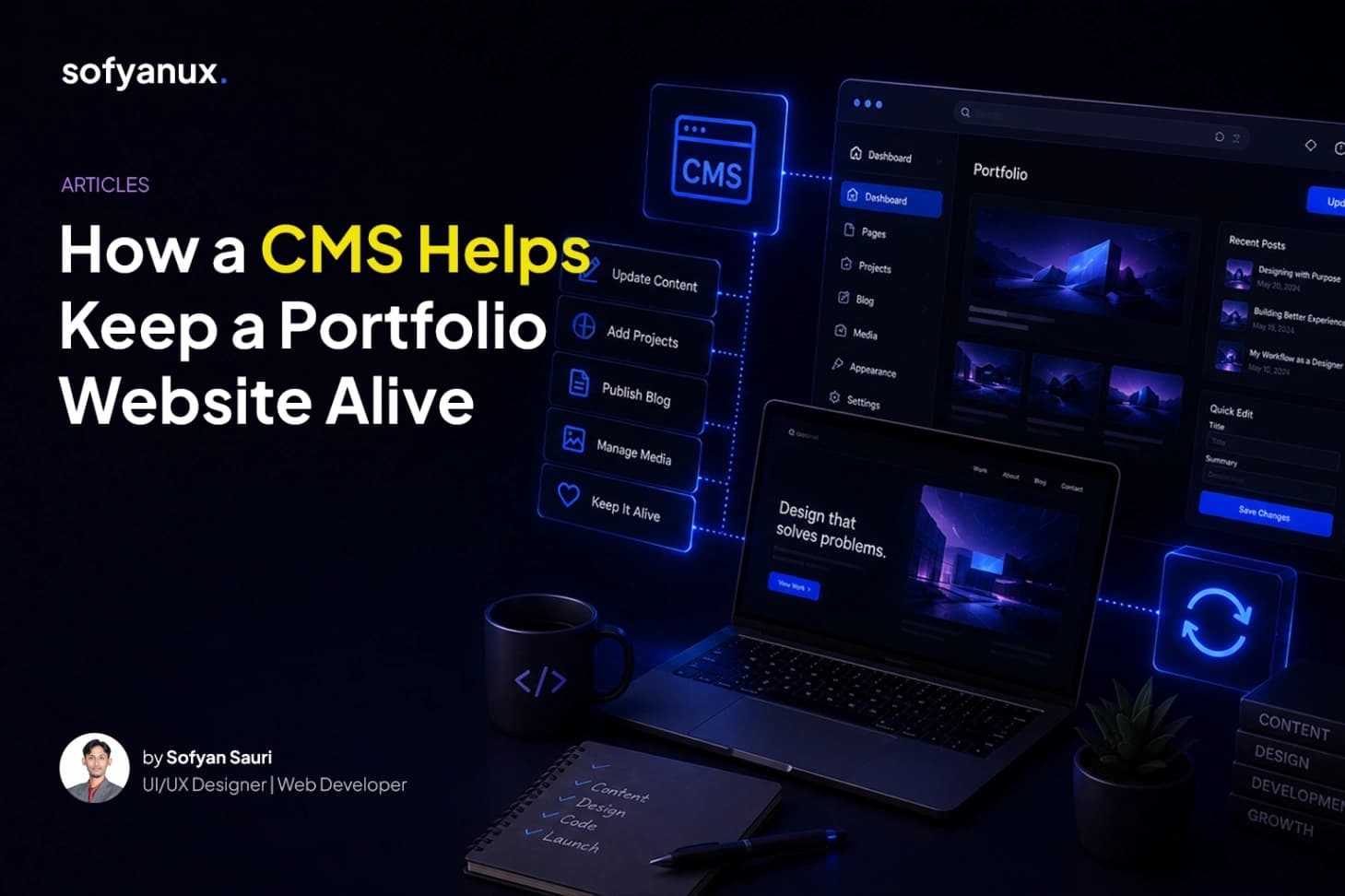
A CMS makes a portfolio easier to maintain by allowing projects, blog posts, profile content, images, and case studies to be updated without touching code.

// A CMS makes a portfolio easier to maintain by allowing projects, blog posts, profile content, images, and case studies to be updated without touching code.

How a CMS Helps Keep a Portfolio Website Alive
# How a CMS Helps Keep a Portfolio Website Alive A portfolio website should grow over time. New projects, updated experience, new skills, blog posts, case studies, and visual assets should be easy to add. But when every update requires editing code, a portfolio can quickly become outdated. That is where a CMS becomes useful. ## Content becomes easier to update With a CMS, portfolio content can be managed through an admin dashboard. Instead of opening the codebase to change a project title, update a bio, or add a new article, the content can be edited directly from a structured interface. This makes the website easier to maintain, especially when content changes often. ## Projects can be structured properly A CMS helps content stay organized. For example, a portfolio project can have fields like title, category, year, role, description, tech stack, cover image, gallery, and case study content. This structure helps keep every project consistent while still allowing each case study to have its own story. ## Blog content becomes more practical Writing articles directly in code can be slow. A CMS makes publishing easier because blog content can be created, edited, drafted, and published from one place. This encourages the portfolio to become more active, not just a static website. ## About page can stay current A personal website often needs updates to experience, skills, availability, profile photo, CV link, and contact information. With a CMS, the about page can act like a dynamic resume. It becomes easier to keep it accurate without rebuilding the site. ## Final thoughts A portfolio should not feel frozen. With a CMS, it becomes easier to keep the website alive, relevant, and updated over time.

Share:
Sofyan Sauri

Sofyan Sauri

AUTHOR: Sofyan Sauri

I design human-centered digital experiences and build clean, modern websites that help ideas, brands, and businesses show up better online.

// I design human-centered digital experiences and build clean, modern websites that help ideas, brands, and businesses show up better online.