
Skip to content
Sofyan UX
Articles/Tools & Workflow
~/articles/tools_&_workflow

From Wireframe to Website: My Design-to-Code Workflow

From Wireframe to Website: My Design-to-Code Workflow_

Sofyan Sauri./AUTHOR Sofyan SauriMay 31, 2026[2026-05-31] 2 min read 2m

A simple breakdown of how I move from early structure and wireframes into visual design, frontend components, CMS integration, and final website refinement.

// A simple breakdown of how I move from early structure and wireframes into visual design, frontend components, CMS integration, and final website refinement.

From Wireframe to Website: My Design-to-Code Workflow
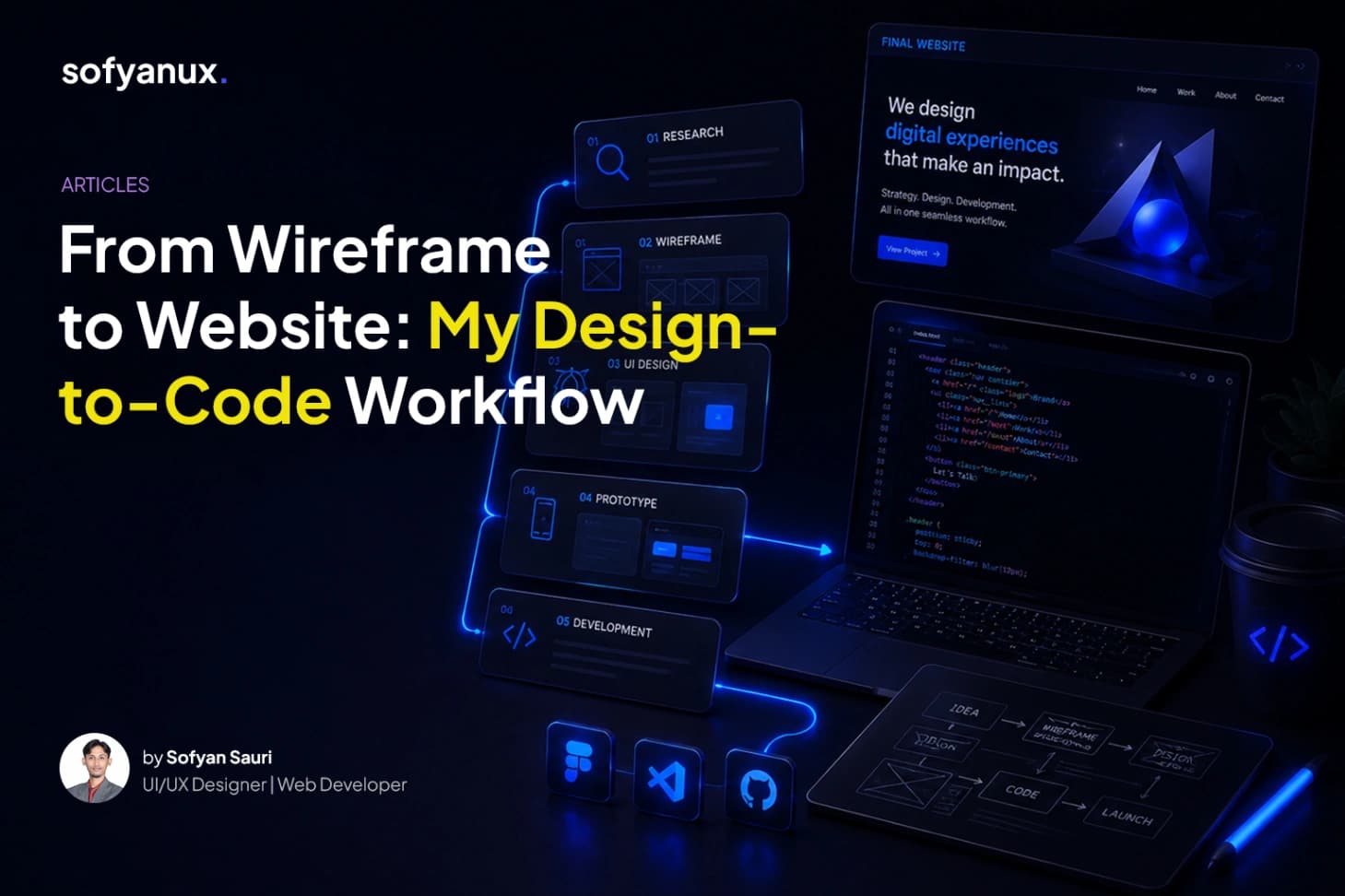
# From Wireframe to Website: My Design-to-Code Workflow Turning an idea into a working website requires more than jumping straight into visuals or code. A good workflow helps keep the process clear. It allows the design to support the content, and the code to support the design. Here is how I usually approach the process from wireframe to website. ## Start with structure Before designing the final visual, I like to understand the structure first. This includes the pages, sections, navigation, and content priority. At this stage, the goal is not to make things beautiful yet. The goal is to make sure the website makes sense. Wireframes help answer important questions: what content should appear first, what users need to understand, where the call-to-action should appear, and how sections should flow from top to bottom. ## Move into visual direction After the structure is clear, I start shaping the visual direction. This includes typography, colors, spacing, imagery, layout style, and component direction. The visual design should support the message, not distract from it. ## Build reusable components When moving into frontend development, reusable components are very important. Instead of styling every page separately, I prefer creating components like buttons, cards, sections, page headers, project cards, blog cards, and CTA blocks. This makes the website easier to maintain and keeps the design consistent. ## Connect dynamic content If the website uses a CMS, the frontend needs to be designed around real content. Project cards, case studies, blog articles, skills, experience, and profile sections should all be able to render data cleanly. ## Final thoughts A good design-to-code workflow helps reduce confusion. Wireframes create structure. Visual design creates direction. Components create consistency. Development brings everything to life.

Share:
Sofyan Sauri

Sofyan Sauri

AUTHOR: Sofyan Sauri

I design human-centered digital experiences and build clean, modern websites that help ideas, brands, and businesses show up better online.

// I design human-centered digital experiences and build clean, modern websites that help ideas, brands, and businesses show up better online.